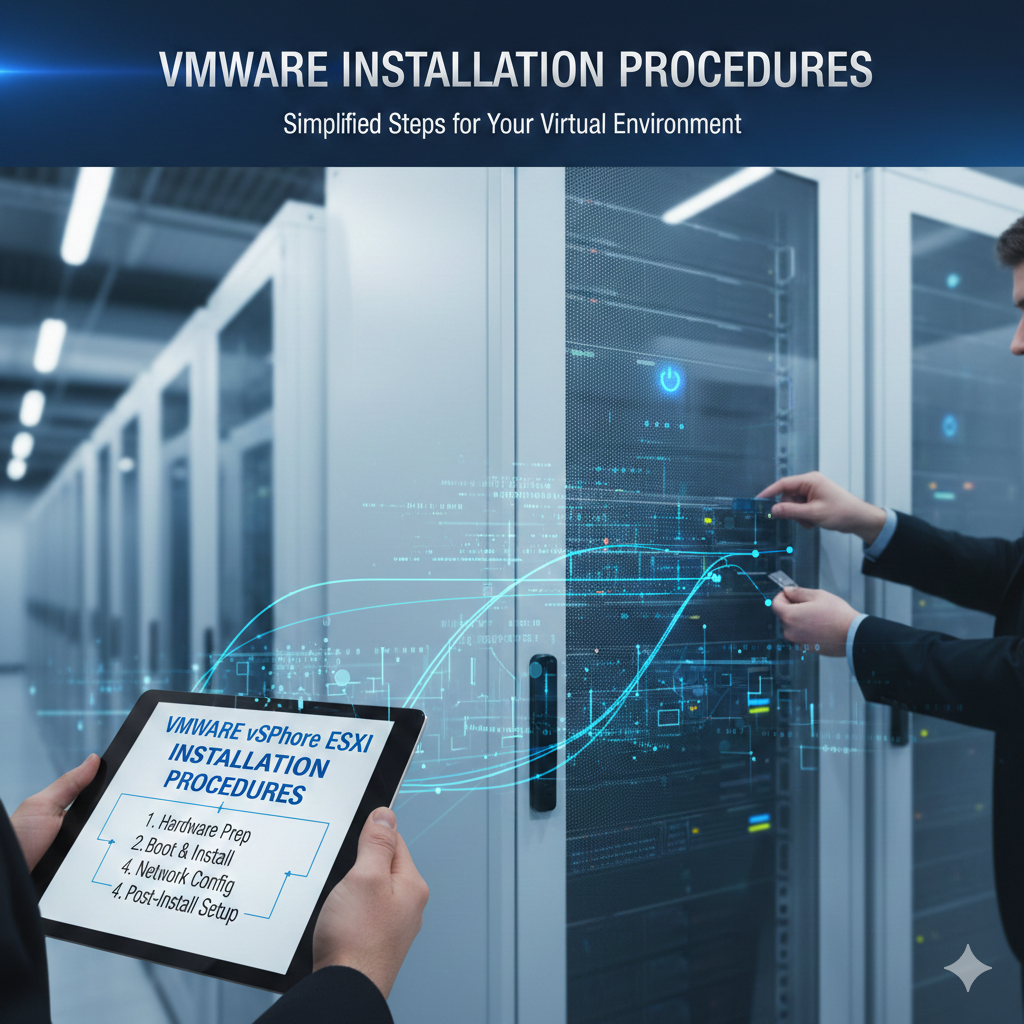
VMware Installation Procedures
What is VMware?
VMware is a virtualization software platform that allows users to run multiple operating systems on a single physical computer. This is done by creating virtual machines (VMs) that simulate complete hardware environments. VMware is widely used by IT professionals, developers, cybersecurity engineers, and students for testing, training, and lab environments.
Why VMware Matters Today?
In modern IT environments, virtualization is essential for cloud computing, DevOps, cybersecurity training, and software testing. VMware enables safe experimentation without modifying real hardware, reducing system damage risks and cost.
- System Requirements
- Hardware Requirements:
- 64-bit Intel or AMD Processor
- Minimum 4GB RAM (8GB+ Recommended)
- At least 20GB Free Storage
- Virtualization Support (VT-x / AMD-V) enabled in BIOS
- Software Requirements:
- Windows 10 or Windows 11 (64-bit)
- OR Linux Distributions (Ubuntu, CentOS, Kali, etc.)
- Tip: Many installation errors happen because virtualization is disabled. Enable VT-x / AMD-V in BIOS first.
- Step-by-Step Installation
- Step 1 – Download
- Download VMware Workstation Pro (paid) or Workstation Player (free for personal use) from the official website.
- Step 2 – Run Installer
- Open the downloaded setup file to start the installation wizard.
- Step 3 – Installation Setup
- Click Next → Accept License → Select Typical Installation → Choose default path → Click Install.
- Step 4 – Finish Installation
- Click Finish and restart the system if required. VMware is now ready.
- Creating a Virtual Machine (VM)
- 1. Open VMware → Click “Create a New Virtual Machine”.
- 2. Select Installation Method (ISO file, DVD, or Install later).
- 3. Choose Guest OS (Windows, Linux, Ubuntu, Kali, etc.).
- 4. Allocate Resources:
- – CPU: 2+ Cores
- – RAM: 2GB+ (Linux), 4GB+ (Windows)
- – Storage: 20–60GB
5. Click Finish → Start VM → Install OS normally.
- Post-Installation Important Settings
- Install VMware Tools for display + input control improvements.
- Enable Shared Folders for easy file transfer.
- Configure Networking Mode (NAT / Bridged) for internet access.
- Increase RAM/CPU if VM performance is slow.
- Common Issues & Fixes Issue: Virtualization Disabled → Fix: Enable VT-x / AMD-V in BIOS
- Issue: Slow VM → Fix: Increase RAM & CPU Cores
- Issue: ISO Not Detected → Fix: Re-check ISO file path
- Issue: No Network → Fix: Switch Networking Mode to NAT/Bridged
- Useful for These Roles
- Engineering Students
- Cybersecurity Learners
- Cloud & DevOps Students
- IT Support Technicians
- Network Engineers
- Software Testers
Conclusion
VMware makes IT learning easier by allowing multiple systems to run on a single PC. It reduces hardware costs, provides safe testing environments, and prepares students for real-world IT jobs.
Advance Your IT Infrastructure Career at ISM University of Skills
Mastering VMware installation is just the beginning. To truly excel in the world of Virtualization, Cloud Computing, and Modern IT Infrastructure, professional guidance and hands-on experience are essential.
At ISM University of Skills, we provide industry-aligned training designed to turn beginners into experts. Our curriculum is built around the core pillars of modern technology, ensuring you don’t just learn “how” to install software, but “why” and “how” it scales in a corporate environment.
Why Choose ISM Univ for Your Tech Journey?
Comprehensive Data & AI Programs: Beyond virtualization, we offer deep dives into Data Science, AI, and Machine Learning, covering everything from core algorithms to advanced predictive modeling.
Master Data Analytics: Our Data Analytics & Power BI course (available in a 6-month regular or 3-month fast-track format) teaches you to transform complex data into actionable business insights.
Flexible Learning: With our Retail Modules, you can earn modular certificates in specific areas like Data Analytics, allowing you to learn at your own pace.
Practical Excellence: Our training emphasizes real-world application, preparing you for the demands of the global job market.
Take the Next Step: Whether you are looking to specialize in Cloud Infrastructure or pivot into Data Science, ISM University of Skills provides the roadmap to your success.